3. List & Label Reports
less than a minute
If you want to create or change List and Label reports, your dongle must have a flag called “reportdesigner”. If this flag is active and you have no system report, you can see a “design”-button at the bottom. Check the flag “Fill database with project data”, if you like to create a report with a preview of the project data. List & Label will always load all positions of the project.
A complete description of List & Label is available at www.combit.net .
Every List & Label report should have a report container. If you are using templates, this report container will be load into the template and get the size of the report container from the template.
All fields in the table ReportVariables will be shown as varialbes in List and Label. You can use these fields everywhere in the report.
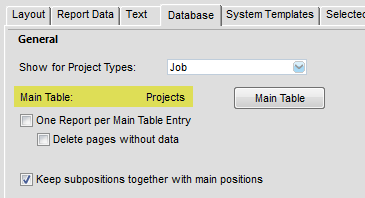
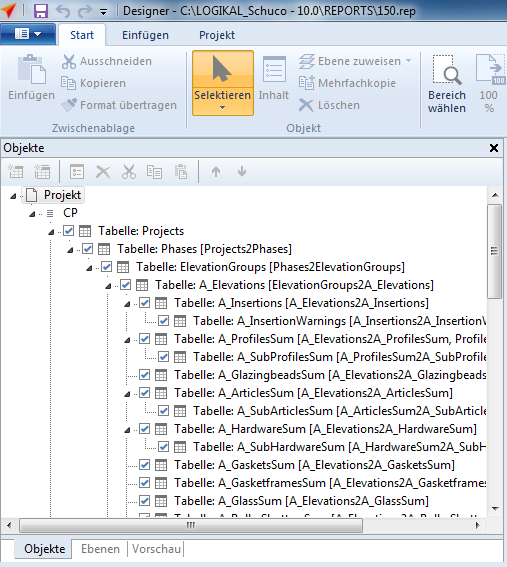
L&L works with a hierarchical levels. Use the same main table, you defined in the report settings.