FAQ
2 minute read
Contact information #
For questions about the implementation of an API please contact the following mail address: LogiKal.Api@orgadata.com
If you have problems with a LogiKal installation, you can also contact the support as usual.
How can I check that the REST service is running? #
As soon as the IIS service has been set up and started, you can use the following endpoints in a web browser to check whether the REST service can be called up:
| Endpoint | Expected Result |
|---|---|
<your-url>/<your-service.svc>/api/v3/version | JSON response with Logikal, API Service, API Client, and MbioeService version information |
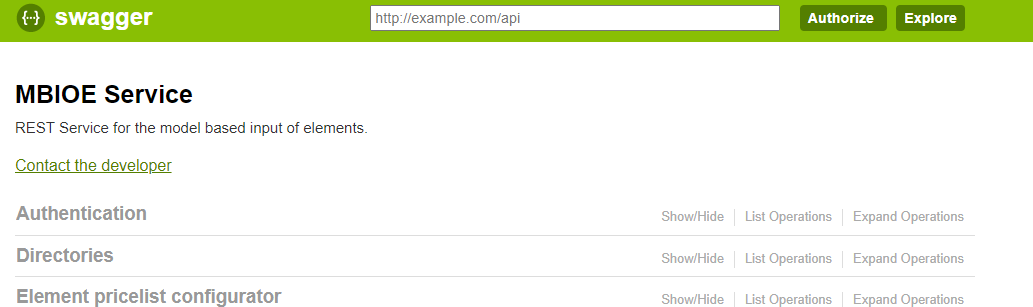
<your-url>/<your-service.svc>/api/v3/docs | Swagger UI documentation page |
Do I always have to update the REST service with a new Logikal version? #
The REST service must be updated as soon as there are interface extensions or changes. This is indicated on the Version History page.
The service will always be backwards compatible via minor versions so that no breaking changes should occur.
The service deployments can be requested from the LogiKal API support (LogiKal.Api@orgadata.com ).
How can I save a report from Swagger usage to a file? #
The included stream is base64 encoded. This can be decoded using an online tool and then saved as a file.
The following homepage, for example, is suitable for this:
Decode Base64 to File - Online Tools
DELETE commands can not be executed #
When executing DELETE commands the response contains the following error message “405 - HTTP verb used to access this page is not allowed.”
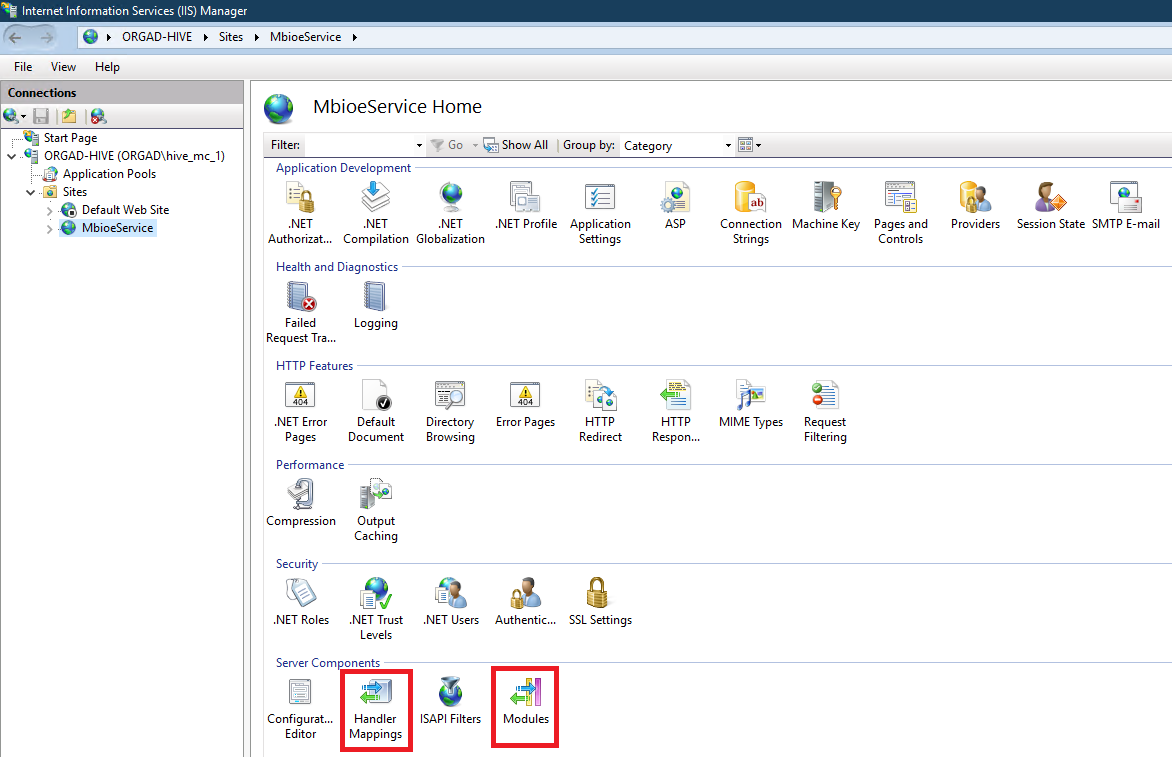
This can be fixed by making changes to the IIS MbioeService site by removing the “WebDAV” entries in the “Modules” and “Handler Mapping” settings.